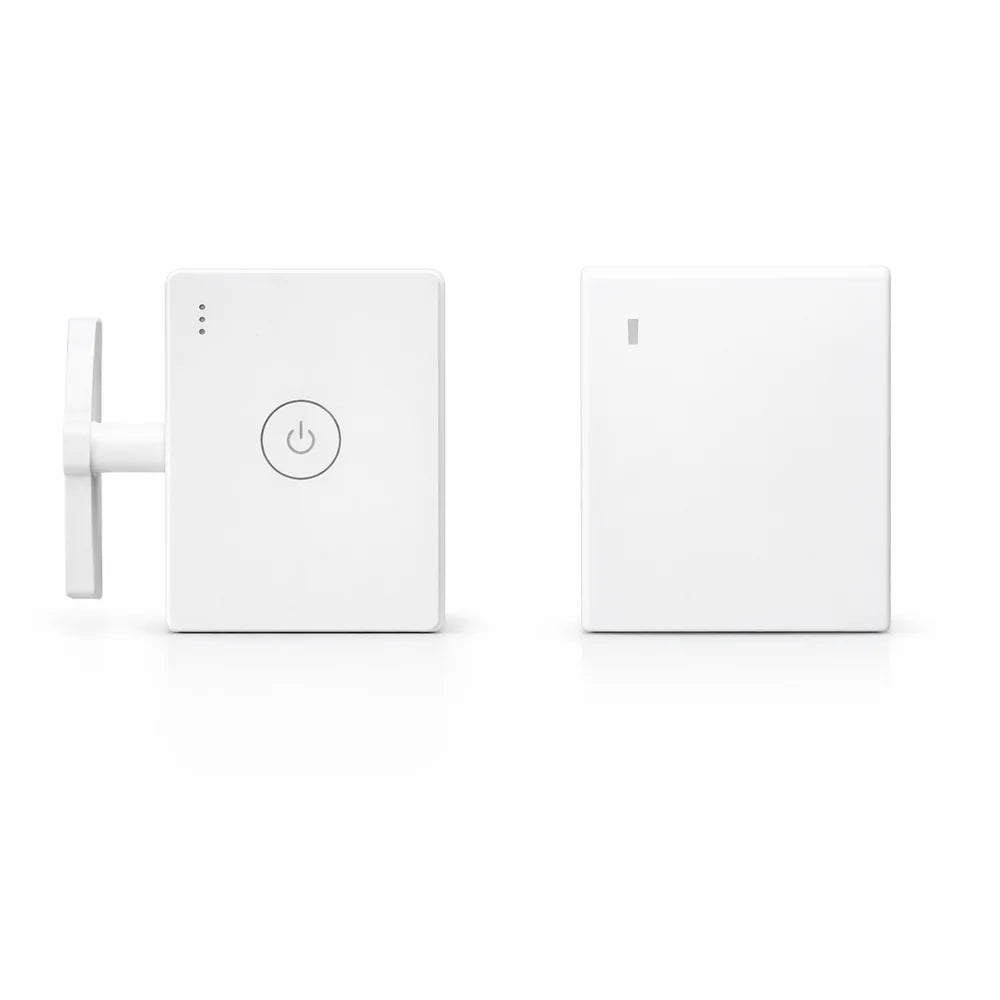
Billhol® Wireless Remote Button Pusher – USB Rechargeable Light Switch Controller
Billhol® Wireless Remote Button Pusher – USB Rechargeable Light Switch Controller
📢 100% no questions asked 180-day money-back guarantee.
✅Absolutely the best customer support.
✅8.5K+ Social Media Fans Rave About It on Facebook, Twitter, and Instagram
✅Join 120K+ Happy Customers and Discover Why 98.9% Recommend It
receive a double order, bringing the price to
BUNDLE & SAVE
Couldn't load pickup availability
Billhol® Wireless Button Pusher
Turn your existing wall switch on or off from across the room—without replacing the switch or getting out of bed.

The tiny upgrade your wall switch was missing 💡
You finally get comfortable in bed—then realize the light is still on. TapSwitch physically presses your existing switch for you, so one simple remote click handles the job without a smart bulb, switch replacement or electrical renovation.
Before TapSwitch
✕ Get out of bed to turn off the light
✕ Walk across the room in the dark
✕ Replace a switch just for remote control
✕ Deal with wiring for a simple convenience
With TapSwitch
✓ Press the remote from your couch or bed
✓ Keep your existing physical switch
✓ Mount the pusher next to the switch
✓ Recharge and keep using it
Simple tech. Immediate convenience.
Wireless Control
Control the attached switch remotely without walking over to it.
USB Rechargeable
Recharge the main unit instead of constantly replacing disposable batteries.
No Rewiring
Add remote convenience without replacing your existing wall switch.
Quick Setup
Position, attach, pair and start pressing your switch remotely.
It doesn't “talk” to your light. It presses the switch for you.
That means the convenience comes from a compact mechanical pusher mounted right beside the switch you already use.
Choose your remote style
Round Remote
A compact round push-button remote for simple everyday control.
Square Remote
A slim square wall-switch-style remote that keeps the setup clean and minimal.
Where it makes everyday life easier
How to use TapSwitch
Give the rechargeable main unit power before setup.
Align the pusher arm beside the physical switch you want to operate.
Secure the unit carefully on a clean, flat mounting surface.
Use the wireless remote to trigger the pusher and operate the switch.
Designed to work with many common switch layouts
The product is made for a variety of typical physical switch formats. Correct placement is important: the mechanical arm needs a clear path to press the intended switch area.
Great for renters and simple smart-home upgrades
You can add remote button-press convenience without opening the wall or replacing the original switch hardware. It is a straightforward upgrade for people who want less walking and fewer unnecessary steps in their routine.
FAQ
Does TapSwitch replace my existing wall switch?
No. The pusher mounts next to a compatible physical switch and mechanically presses it for you.
Does the main unit need charging?
Yes. The TapSwitch main unit is USB rechargeable.
Do I need to rewire the wall?
No rewiring is required for the basic physical button-pusher installation.
What's the difference between Round and Square?
They are two remote-control styles. Select the design you prefer before checkout.
Will it fit every switch?
It is designed for many common switch styles, but fit depends on your switch shape, available mounting space and correct arm alignment. Compare your switch with the compatibility image before ordering.
Compatibility can vary by switch shape and installation position. Product appearance may vary slightly by selected remote style.